
SenseDisc-P1.1 - App Store
You'll be able to see results in few seconds.
Publisher Description
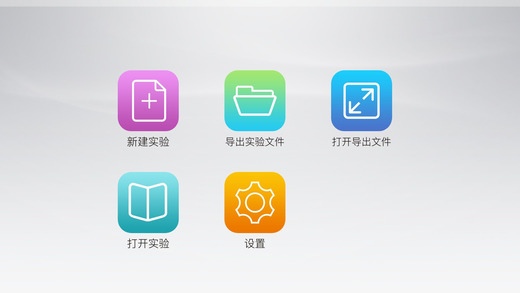
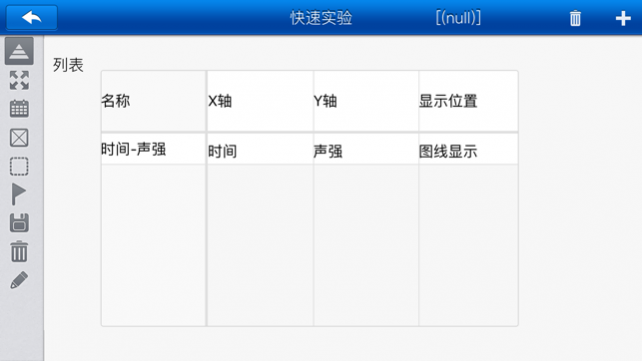
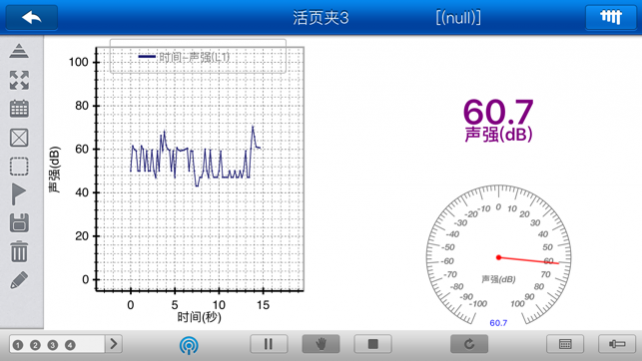
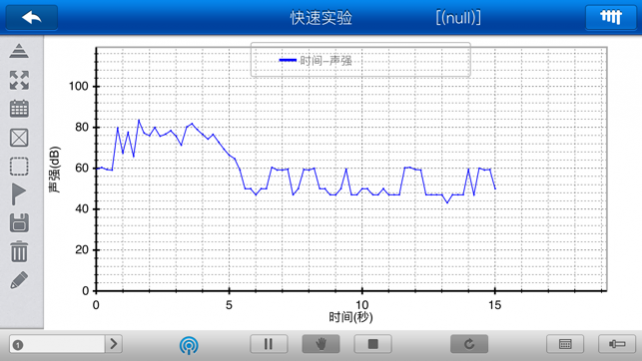
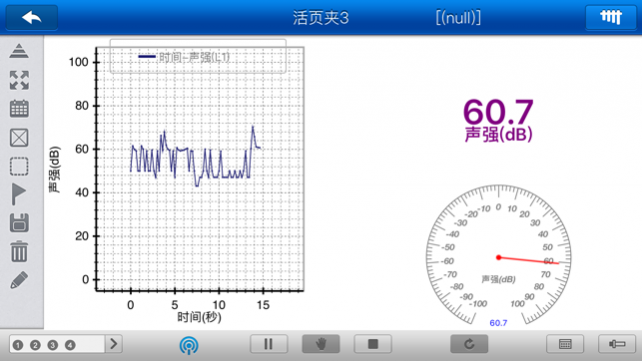
1. A New powerful teaching experimental data processing software.
2. Mainly used in collecting experimental data, analyzing experimental result, and verifying the experimental principle.
3. Provide a wealth of default experiment template.
4. Multiple loose-leaf folder display, can be preset display style.
5. With complete statistics .
6. Saving experimental settings to generate experimental template.
7. The unique " Quick Easy " interface, allowing you to operate more easily.
8. Combined with sensors, can complete a large number of experiments in the physics, chemistry, biology and other fields, it is suitable for experimental teaching on natural science in university, high school, primary school and vocational school.
May 6, 2016 Version 1.1
Apple 已更新此 App 以使用最新版 Apple 签名证书。
About SenseDisc-P
The company that develops SenseDisc-P is Jiangsu SWR S&T Co., Ltd.. The latest version released by its developer is 1.1.
To install SenseDisc-P on your iOS device, just click the green Continue To App button above to start the installation process. The app is listed on our website since 2016-05-06 and was downloaded 0 times. We have already checked if the download link is safe, however for your own protection we recommend that you scan the downloaded app with your antivirus. Your antivirus may detect the SenseDisc-P as malware if the download link is broken.
How to install SenseDisc-P on your iOS device:
- Click on the Continue To App button on our website. This will redirect you to the App Store.
- Once the SenseDisc-P is shown in the iTunes listing of your iOS device, you can start its download and installation. Tap on the GET button to the right of the app to start downloading it.
- If you are not logged-in the iOS appstore app, you'll be prompted for your your Apple ID and/or password.
- After SenseDisc-P is downloaded, you'll see an INSTALL button to the right. Tap on it to start the actual installation of the iOS app.
- Once installation is finished you can tap on the OPEN button to start it. Its icon will also be added to your device home screen.
Program Details
System requirements
Download information
Pricing
Version History
version 1.1
posted on 2016-05-06
version 1.1
posted on 2016-05-06
May 6, 2016 Version 1.1
此更新已使用 Apple 最新的签名证书签名。未包括任何新功能。
version 1.1
posted on 2016-05-06
May 6, 2016 Version 1.1
Apple 已更新此 App 以使用最新版 Apple 签名证书。
version 1.1
posted on 1970-01-01
2016年5月6日 Version 1.1
此更新已使用 Apple 最新的签名证书签名。未包括任何新功能。
version 1.1
posted on 1970-01-01
6. maj 2016 Version 1.1
此更新已使用 Apple 最新的签名证书签名。未包括任何新功能。
version 1.1
posted on 1970-01-01
6 mei 2016 Version 1.1
此更新已使用 Apple 最新的签名证书签名。未包括任何新功能。
version 1.1
posted on 1970-01-01
6 de mai de 2016 Version 1.1
此更新已使用 Apple 最新的签名证书签名。未包括任何新功能。
Disclaimer
Official App Store Link
We do not host SenseDisc-P on our servers. We did not scan it for viruses, adware, spyware or other type of malware. This app is hosted by Apple and passed their terms and conditions to be listed there. We recommend caution when installing it.
The App Store link for SenseDisc-P is provided to you by apps112.com without any warranties, representations or guarantees of any kind, so access it at your own risk.
If you have questions regarding this particular app contact the publisher directly. For questions about the functionalities of apps112.com contact us.
